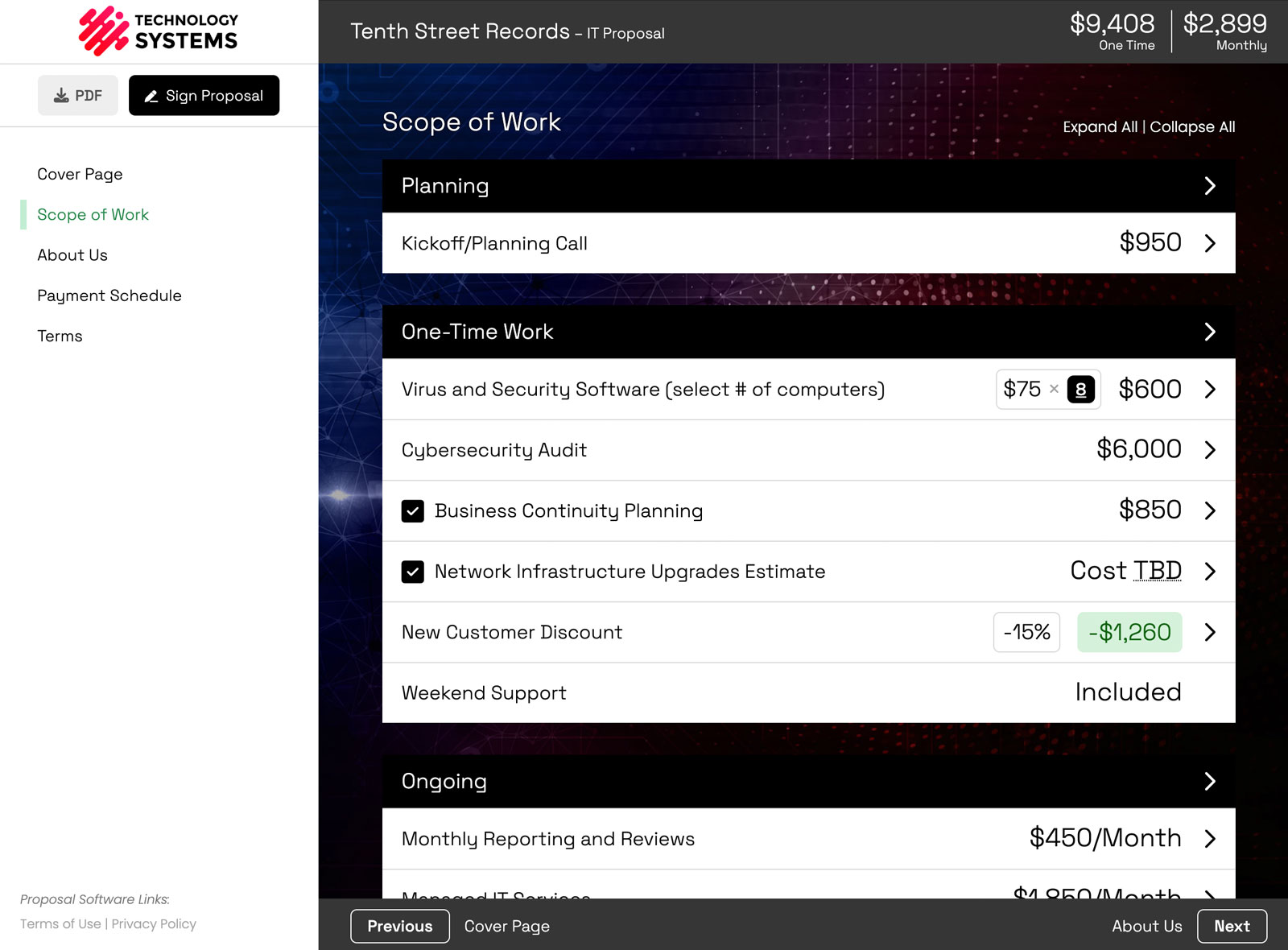
Yes — you can now use AI like Claude and ChatGPT to build proposals inside Smart Pricing Table. Instead of copy-pasting back and forth between a chatbot and your proposal software, our Model Context Protocol (MCP) integration connects your AI assistant directly to your account: your templates, your line-item library, and every proposal you have already sent. You describe what you need in plain English, and the AI drafts an accurate, on-brand, client-ready proposal using your real pricing.
Here is how it works, what you can actually ask it to do, and how to turn it on.

 →
→

What it means to connect AI to your proposal software
Most people's experience with "AI for proposals" is opening ChatGPT, pasting in some notes, and copying the result back into their document. It beats a blank page, but the AI has no idea what your services cost, how you structure a scope of work, or what your last proposal for a similar client looked like.
An MCP integration changes that. MCP (Model Context Protocol) is an open standard that lets AI assistants securely connect to outside tools and data. When you connect Smart Pricing Table, Claude or ChatGPT can read from — and build inside — your actual account. It is the difference between chatting with a smart stranger and working alongside someone who already has your pricing, templates, and history open in front of them. That connection is what separates a general chatbot from real AI proposal software.
What you can actually ask the AI to do
Because the assistant can see your templates, library, and past proposals, you can give it instructions that simply were not possible before. A few real examples:
- Hit an exact number: "Make this proposal total exactly $35,000 — adjust the line items proportionally until we get there."
- Clone and adapt: "Duplicate the proposal I built for Acme Manufacturing, but adapt it for Northwest Steel — update the company info, timeline, and scope."
- Add scope intelligently: "This proposal feels a little light. Add about $3,000 of additional work where it makes sense."
- Turn a screenshot into line items: "Here is a screenshot the client sent me — turn it into professional line items."
- Start from a template: "Create a new proposal using my Website + SEO template for ABC Company."
- Reprice in bulk: "Increase every monthly recurring service by 8%."
- Sharpen the copy: "Rewrite these line-item descriptions so they are shorter and more persuasive."
- Research, then recommend: "Research ADA website compliance, then suggest additional services we should include in this proposal."
- Compare versions: "Compare this to the proposal we sent this client last year and tell me what changed."
- Catch the gaps: "Review this proposal and tell me if we are missing anything important."
Each of these runs against your real data, so the output is not a generic template — it is a draft you can actually send.
Why this matters for agencies and MSPs
If you run a marketing agency or an MSP, you probably write more proposals than almost anyone — and each one is a little different. The bottleneck usually is not strategy; it is the hour or two of assembling line items, adjusting pricing, and formatting everything cleanly. Connecting AI to your proposal software collapses that busywork:
- Turn discovery-call notes into a scoped first draft in minutes.
- Keep pricing accurate, because the AI builds from your line items — not numbers it invented.
- Spin up variations (good / better / best, or per-client tweaks) without starting over.

Claude vs. ChatGPT for building proposals
Both work with Smart Pricing Table, so you can use whichever assistant you already prefer. Being honest: in our testing, Claude's integrations feel more polished for this particular job — it behaves less like a chatbot and more like a capable teammate who has your account open. ChatGPT is supported too. If you are deciding fresh, we would start with Claude and branch out from there.
How to connect Claude or ChatGPT to Smart Pricing Table
If you already have an account, you can enable it in a couple of minutes:
- Open Settings → Integrations in Smart Pricing Table and choose the AI Agents tab.
- Follow the prompts to connect Claude or ChatGPT to your account.
- Start with a low-stakes proposal to get a feel for the workflow.
Two quick notes. The feature is currently in beta — the results have been excellent, but AI can still make mistakes, so make your final edits by hand on anything high-stakes. Access is also limited to Owners and Admins for now, with Editor access coming in a future update.
New to Smart Pricing Table? The fastest way to see it in action is a quick demo.
or start a free trial and try it yourself.
Explore more
Connect AI, CRMs & more
Proposal software for agencies
See interactive examples
Frequently Asked Questions
Can Claude write proposals?
Yes. With Smart Pricing Table's MCP integration, Claude connects directly to your account and can build complete proposals from your own templates, line-item library, and past proposals. Because it uses your real pricing and structure, the drafts are accurate and on-brand rather than generic.
Can ChatGPT create proposals too?
Yes. ChatGPT is supported through the same integration, so you can use whichever AI assistant you prefer. In our experience, Claude currently feels the most polished for building proposals, but both connect to your account the same way.
What is an MCP integration?
MCP stands for Model Context Protocol — an open standard that lets AI assistants securely connect to outside tools and data. For proposals, it means your AI can read from and build inside your Smart Pricing Table account instead of guessing from a blank prompt.
Is it safe to connect AI to my proposal software?
The connection is permission-based and, during beta, limited to Owners and Admins. The AI only works with what you authorize inside your account, and you always review and approve a proposal before it goes to a client.
Do I need to know how to code to use it?
No. Connecting Claude or ChatGPT takes a couple of minutes from Settings → Integrations — no code and no technical setup. You just describe what you want in plain English.
How much does the AI proposal integration cost?
The AI integration is available to Smart Pricing Table customers as part of the platform during the beta. You can start a free trial to try it, and existing Owners and Admins can enable it today from the Integrations settings.
You might also like:
👉 Smart Pricing Table V2: Rebuilt from Scratch with Powerful New Features
👉 Proposal Software for Marketing Agencies
👉 AI Proposal Software