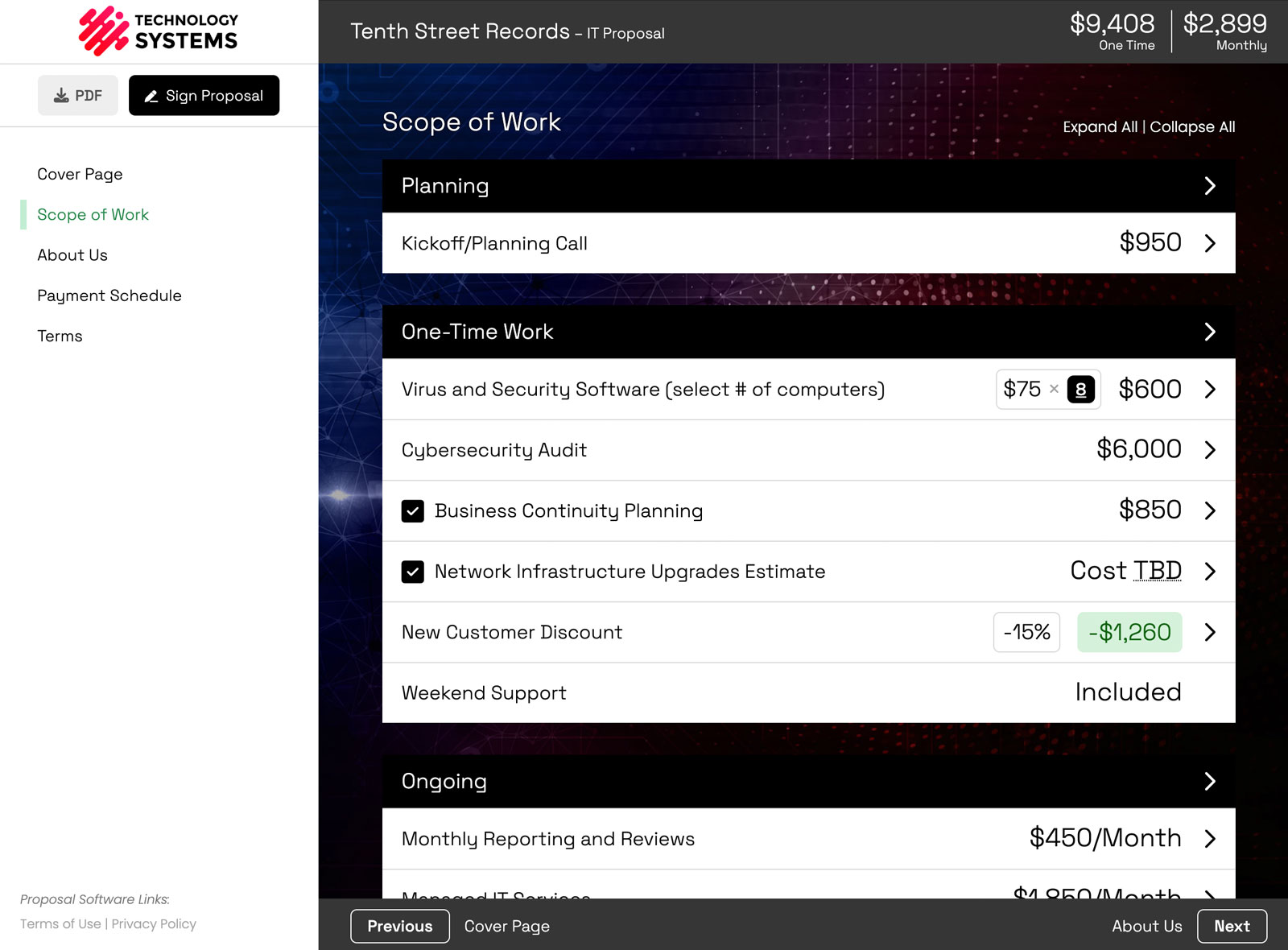
Yes, you can now edit the raw HTML behind your proposal content in Smart Pricing Table. A built-in HTML editor opens any rich-text field, shows the source with syntax highlighting, and lets you make changes the standard editor cannot.
Most people will never need this, and that is fine. But if you know HTML, or you have ever fought a rich-text editor that would not do the one thing you wanted, this is for you.
What the HTML editor lets you do
Every proposal is built from rich-text content: line item descriptions, content pages, group descriptions. The standard toolbar handles bold text, lists, links, images, and tables, which covers most proposals.
The HTML editor sits underneath that. Open it and you see the exact markup, so you can:
- Build custom formatting beyond the toolbar buttons.
- Clean up messy markup pasted in from another document.
- Work around the occasional editor quirk instead of fighting it.
- Make precise changes to spacing, structure, or styling.
Where to find the HTML editor
Look for the HTML icon in the toolbar above any rich-text field. Click it, and you are in.

It shows up in the same toolbar you use for line items, content pages, groups, and modifications, as long as your account and role allow editing HTML source.
Editing the HTML directly
Click the icon and a popup opens with a full HTML view and syntax highlighting, so you can see exactly what you are working with, make your change, and save it back into the proposal.

The highlighting color-codes tags and attributes so you can scan a block of markup and find the one thing you need to change.
Who this is actually for
Honestly, most users will never open it, and they do not need to. It is for a select few:
- Agencies and consultants who want pixel-level control over how a proposal reads.
- Anyone migrating content in from another tool that left messy formatting behind.
- Power users who prefer working in code to clicking through a toolbar.
If that is you, you have a level of control over your proposal design that most proposal software never gives you.
What if I do not know HTML?
Then ignore it. Nothing about the way you build proposals changes, and the standard editor still does everything you need. The HTML button just sits quietly in the toolbar for the people who want it.
Try it in your next proposal
If you have an account, the HTML icon is in the toolbar next time you edit a line item or content page. New to Smart Pricing Table? The fastest way to see it is a quick demo.
or start a free trial and try it yourself.
Explore more
Control how proposals look
Make every proposal yours
See interactive examples
Frequently Asked Questions
Can you edit the HTML of a proposal in Smart Pricing Table?
Yes. Open any rich-text field, click the HTML icon in the toolbar, and a popup shows the raw source with syntax highlighting so you can edit it and save it back into the proposal.
Where is the HTML editor in Smart Pricing Table?
Look for the HTML icon in the formatting toolbar above a rich-text field, such as a line item description or content page. It appears when your account and role allow editing HTML source.
Do I need to know HTML to use Smart Pricing Table?
No. The standard editor handles everyday proposals with no code required. The HTML editor is an optional power-user feature you can safely ignore.
Why would I edit a proposal in HTML instead of the normal editor?
For precise control beyond the toolbar buttons: building custom formatting, cleaning up messy pasted markup, and working around the occasional editor quirk.
Is the HTML editor available to everyone on my team?
It depends on your account and role permissions. If you do not see the HTML icon in the toolbar, your role may not have HTML editing enabled.
You might also like:
👉 Proposal Design Features
👉 Branded Proposals
👉 AI Proposal Software