Every proposal you send can now have its own number.
It sounds like a small thing, but if you have ever gone hunting for "that proposal for the bakery downtown" and ended up scrolling past a dozen near-identical titles, you already know why it helps. A proposal number gives each deal a short, shared label, so you and your client can point to the exact same thing in seconds.
How to turn it on
Head to Account Settings → Proposals → Proposal Numbers, switch it on, and pick a starting number. (Start at 1000 if you want your proposals to feel a little more established.) From there, every new proposal numbers itself automatically. There is no counter to track and nothing to update by hand.
What proposal numbers do for you
- Scan and sort at a glance. Numbers show up right on your proposal list, so you can find the right one without opening each proposal.
- Search instantly. Type a number to pull that exact proposal up.
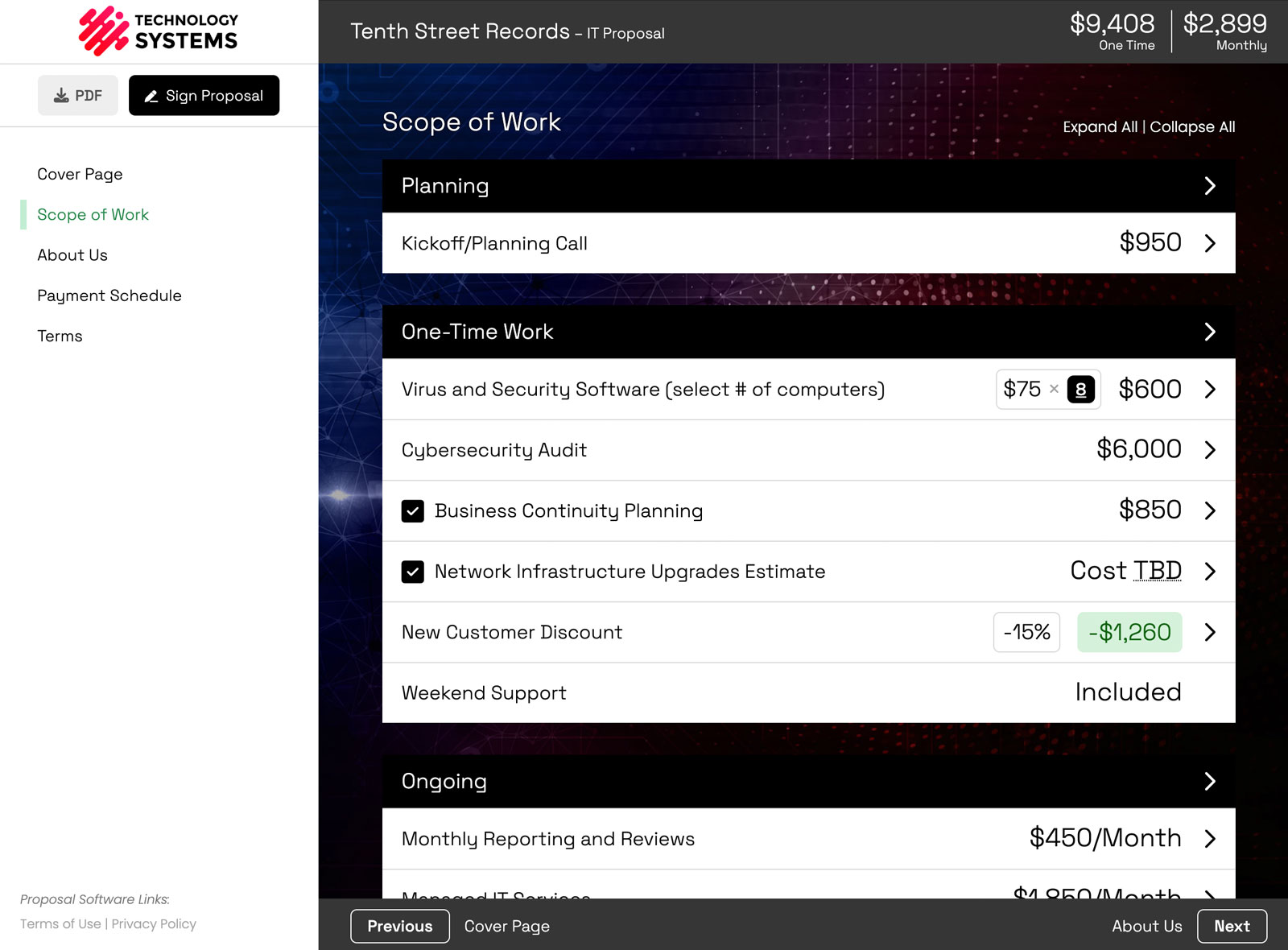
- Show it on the proposal. The number sits next to the title, so your client sees it too.
- Drop it into your content. Use the
[proposal_number]variable to place the number in your cover letter, terms, or any text block. - Reuse it for related work. Sending a follow-up or an alternate version? Override the number manually, for example
1000Bor1000C, to keep them grouped.
If you have wanted an easy way to reference your proposals by number, this one is worth turning on today.
or start a free trial and try it yourself.
You might also like:
👉 5 Must-Have Sections in a Service-Based Proposal
👉 The Smart Way to Offer Multiple Pricing Options in Your Proposal