A Proposal Total variable is a live price token you drop into proposal content (terms, a line item description, a page, anywhere). It pulls the number straight from your pricing table, so when the price changes, every place you referenced it updates automatically.
The reason this post exists: you should not have to hunt through a terms section to fix a deposit you typed by hand after the client changed one optional item.
What is a Proposal Total variable?
It is a dynamic token the editor inserts for you. You do not type the dollar amount. You pick what to pull (the whole proposal, one group, one line item, one frequency) and, if you need it, simple math on top.
The builder writes a [proposal_total …] token at your cursor. When the proposal is viewed or turned into a PDF, that token becomes the live number.
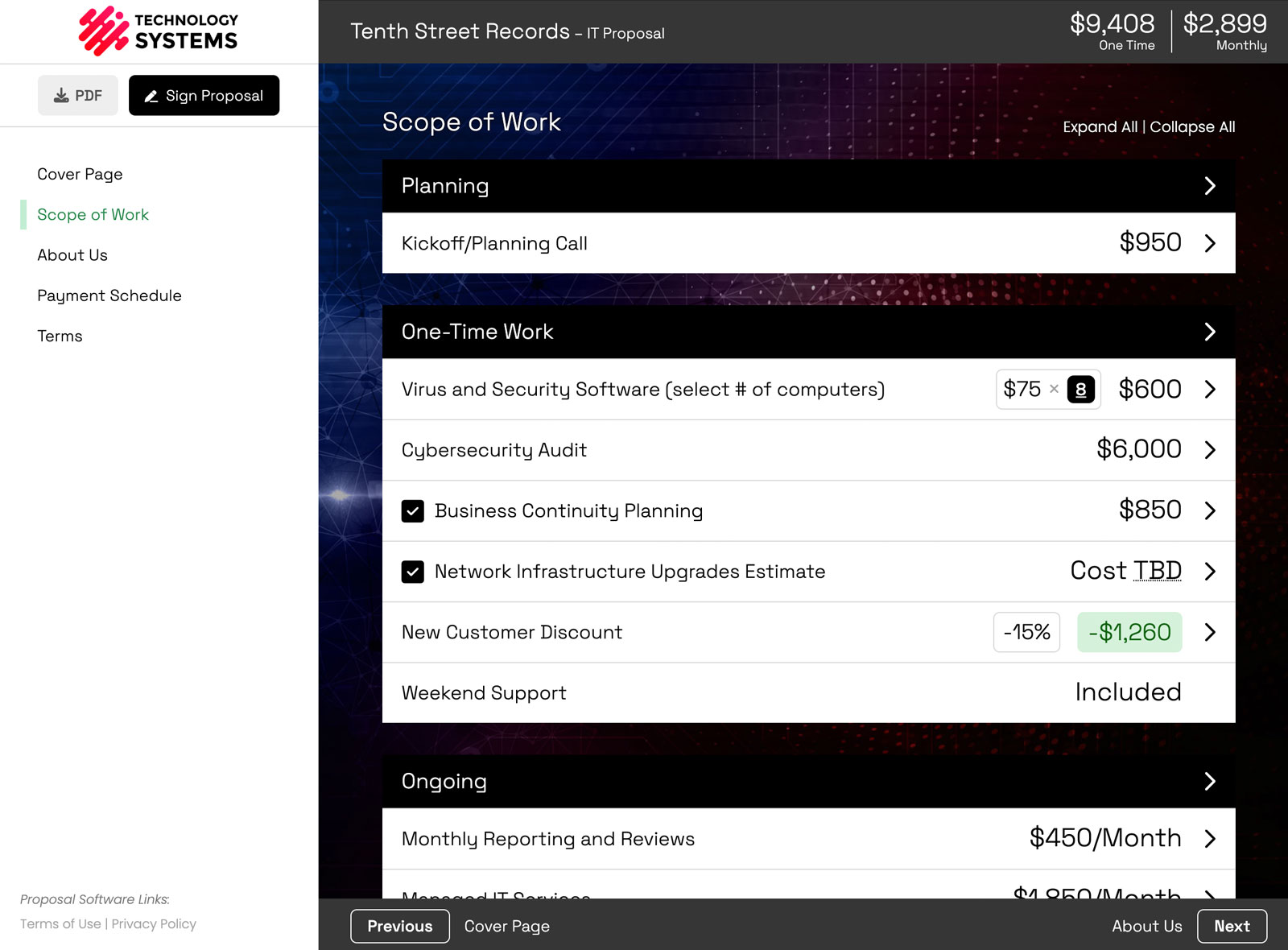
This sits on top of an interactive pricing table. The table is the source of truth. The variable is how you quote that truth in the rest of the document.
Where people put a live total
A few of the uses that come up constantly:
- The one-time total in your terms. "The total one-time investment is [the live number]." No copy-paste.
- A 50% deposit. Half of whatever the current one-time total is, always. The screenshot below is this case: $37,728.45 due upon project start.
- First-year investment. Monthly cost times 12, plus the one-time cost, in one token.
- 25% (or any other percent) of the one-time payment. Same idea as the deposit, different factor.
- One group's total. A website-build group next to a landing-page group, and you only want to name one of those numbers in the terms.
- One line item's total. Call out a single service without restating the whole proposal.
- One Scope of Work page. If the proposal has more than one pricing page, you can total just that page's frequency.
- A price range. If a line item uses a price range, you can drop in just the max, the min, or the average.
Pair this with Dynamic Terms when the language around that number should also follow what the client actually selected. The token keeps the figure honest. Dynamic Terms keeps the clauses honest.
How to insert a Proposal Total variable
- Click into the rich-text field where the number should appear: a content page, a line item description, a group description, or a modification description.
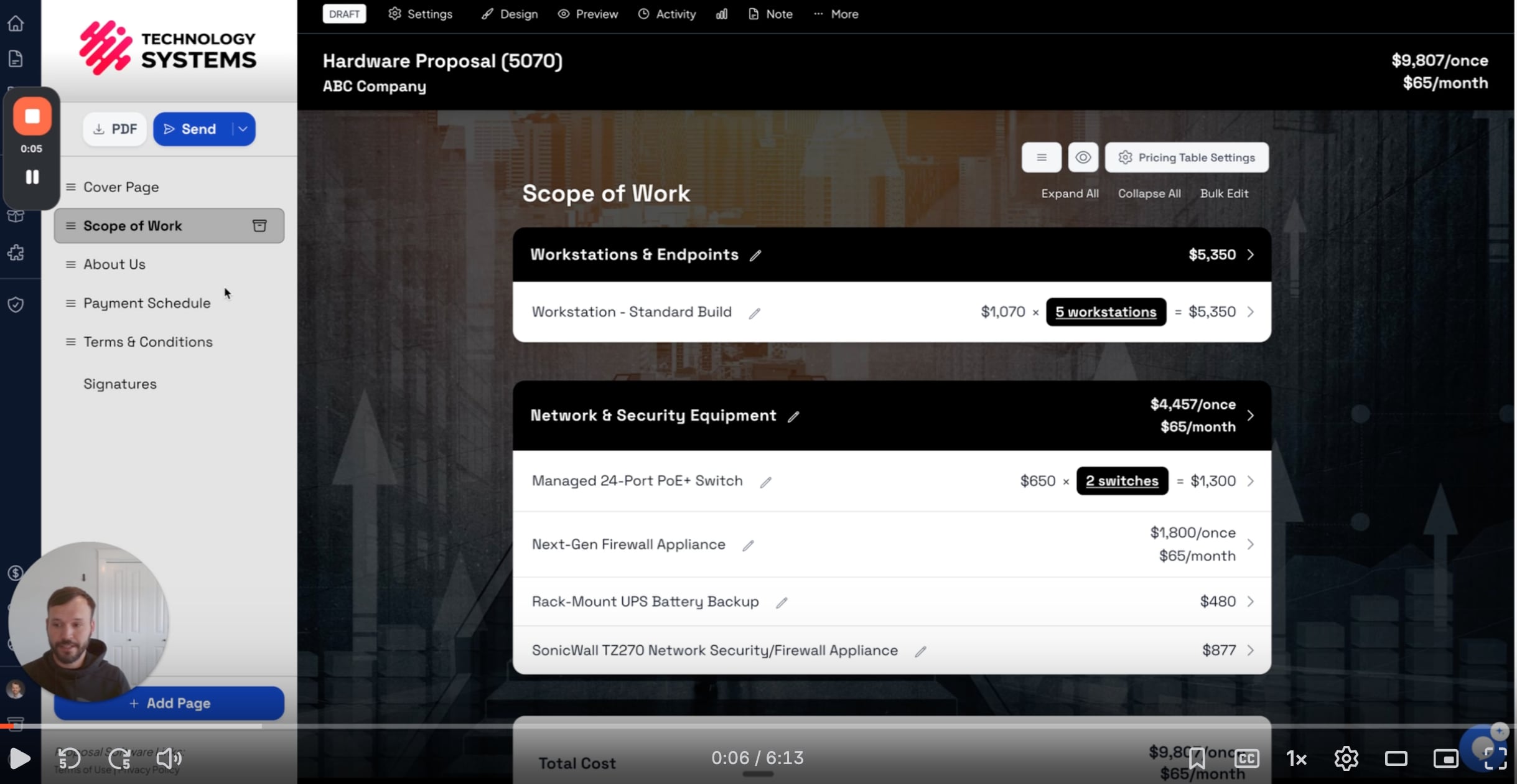
- Click the Insert variable button (the Variables icon in the editor toolbar).
- Choose Proposal → Proposal Total. That opens the Insert Proposal Total builder.
- Pick a source, pick an operation, add more calculation rows if you need them, then click Insert.
- Save.
What each row in the builder is for
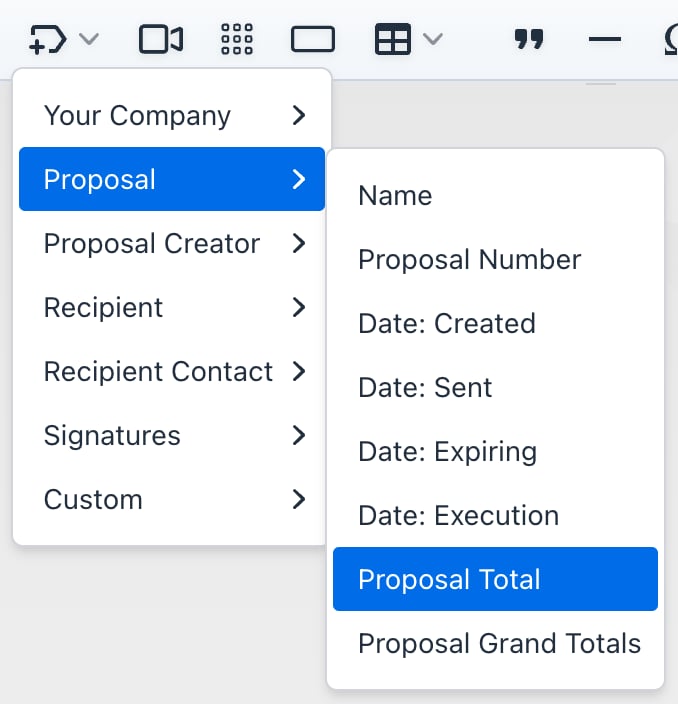
Each calculation row has a source:
- Frequency. A proposal-wide total for one billing frequency (one-time, monthly, annually, and so on). Always available.
- Group. The total of a specific group. Only shown when the proposal has groups.
- Line item. The total of a specific line item. Only shown when the proposal has line items.
For a group or line item, you also pick which frequency of that item to use. It auto-fills when the item only bills at one frequency.
Then choose an operation on that source:
- Use full amount. The total as-is.
- Multiply by. Multiply the total by a number. A 50% deposit is Multiply by 0.5. Three months of a monthly fee up front is Multiply by 3.
- Divide by. Divide the total by a number. Divide by 12 to show a monthly-equivalent of an annual price.
You can Add Another Calculation (up to 3 rows). The rows are summed together. That is how you get "monthly times 12, plus one-time" in a single token.
If the proposal has more than one Scope of Work (pricing) page, a Pricing Page selector lets you total just one page or All (grand total).
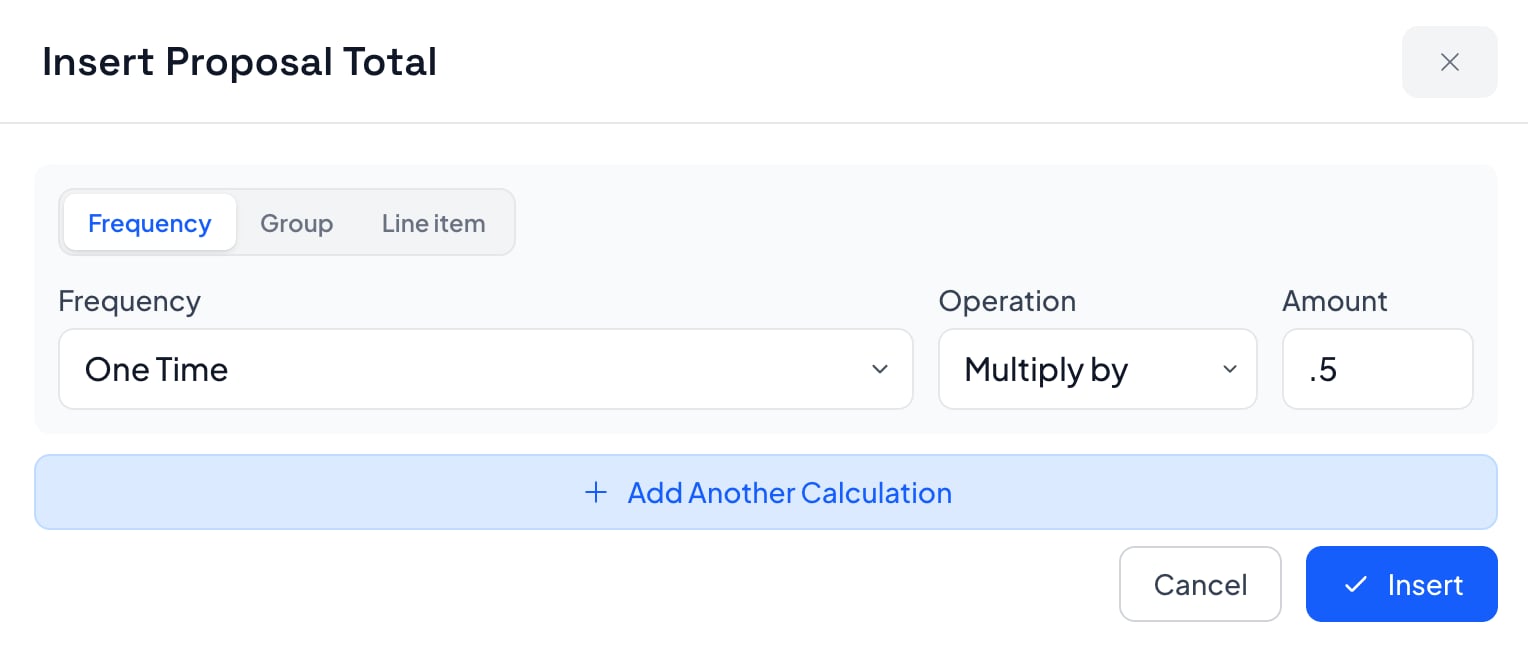
How to show a 50% deposit that stays accurate
This is the example in the screenshots, so here is the exact setup.
- Open the Insert Proposal Total builder.
- Set the source to Frequency → One Time.
- Set the operation to Multiply by 0.5.
- Insert it into the payment schedule (or the terms paragraph that names the deposit).
In the editor you still see the token. Your customer sees the live number.
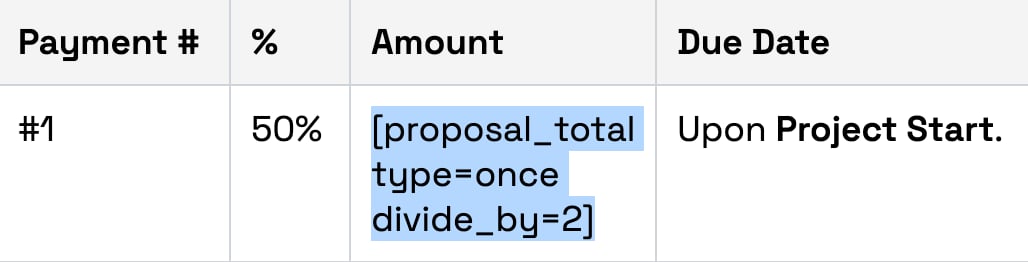

Change a line item, turn an option on or off, or apply volume pricing. The deposit line moves with the table. You do not go back and edit the terms.
Can I combine more than one total in the same token?
Yes. Add a second calculation row and they are added together.
The first-year investment example is two rows:
- Row 1: Frequency → Monthly, Multiply by 12.
- Row 2: Frequency → One Time, Use full amount.
Insert once. If either number changes, the combined figure changes.
What if I only want one group, not the whole proposal?
Change the source from Frequency to Group, pick the group, and pick its frequency. Same for a single Line item.
That is how you write "Website build: [group total]" in the terms without dragging the rest of the scope into that sentence.
Where you can (and cannot) insert it
The Insert variable button shows up in:
- Line item descriptions (Edit Line Item → General)
- Group descriptions
- Content pages (a page's Edit Content)
- Modification descriptions
It is not in the smaller editors (forms, modification dividers, side-by-side columns, a line item's internal note, or email composers).
Proposal Grand Totals is a different menu item. That one drops a summary totals table onto a content page. Proposal Total is the one that injects a single live number you can put in a sentence or a payment line.
However you are pricing it, whatever you want to say about it, there is a way to pull that exact number into your content, live and always accurate.
Smart Pricing Table is interactive proposal software with live pricing tables for agencies, IT companies, and consultants.
or start a free trial and try it yourself.
Explore more
Live tables clients adjust before they sign
Clauses that match what they selected
Min, max, or average from a range
Frequently Asked Questions
What is a Proposal Total variable in Smart Pricing Table?
It is a live price token you insert from Insert variable → Proposal → Proposal Total. It pulls a number from your pricing table (the whole proposal, one group, one line item, or one frequency) and updates whenever that table changes.
How do I insert a Proposal Total variable?
Click into the content where the number should appear, open Insert variable, choose Proposal → Proposal Total, set the source and any math in the Insert Proposal Total builder, then click Insert and save.
Can I insert 50 percent of the one-time total as a deposit?
Yes. In the builder, set the source to Frequency → One Time and the operation to Multiply by 0.5. The live example in this post shows $37,728.45 due upon project start, half of the current one-time total.
Can I combine monthly and one-time totals in one token?
Yes. Click Add Another Calculation (up to 3 rows). The rows are summed. A common setup is monthly multiplied by 12, plus the one-time total, to show first-year investment.
Can I pull the total for one group or one line item?
Yes. Change the source from Frequency to Group or Line item, then pick which one and which frequency. That lets you name a single scope in the terms without restating the whole proposal.
Does the number update if the client changes options?
Yes. The token reads the current pricing table, including optional items the client turned on or off. You do not go back and edit the terms by hand.
You might also like:
👉 3 New Features: Volume Pricing, Email Templates, Custom Variables
👉 Show Ad Spend Separately From Your Management Fee
👉 Require Initials on Proposal Pages Your Clients Might Skip