Smart Pricing Table now has a built-in AI support agent named Digit. Ask it a question about any screen, setting, or feature in plain English, and it answers in seconds, right inside the app. No digging through help docs. No firing off a support email and waiting while your proposal sits half-finished.
Here’s what Digit is, what you can ask it, and how to start using it today.
What is Digit?
Digit is the AI support agent built into Smart Pricing Table, the interactive proposal software agencies, IT companies, and consultants use to build, present, and close deals. It lives in the chat widget in the bottom-right corner of the app. Click it, ask a question, and Digit answers from real product knowledge, not generic advice it scraped off the internet.
So you can ask about e-signatures, custom domains, pricing tables, templates, library items, integrations, team permissions, and just about anything else, and get an answer that matches how Smart Pricing Table actually works.

Why a built-in support agent changes how you work
Powerful software has a lot of settings. That’s the price of flexibility, and it’s worth paying. But it also means that every so often you hit a wall: you’re mid-proposal, stuck on one setup step, and the deal is still hot.
The old way to handle that is to email support and wait. Ten minutes. Sometimes thirty. Your momentum drains while you refresh your inbox, and the proposal you were about to send is still sitting open in another tab.
Digit is built for exactly that moment. You ask, you get an accurate answer on the spot, and you keep building. The proposal goes out while the client is still thinking about you, not three hours later.
| Getting stuck without Digit | Getting stuck with Digit |
|---|---|
| Search the help docs, hope the right article exists | Ask in plain English, get a direct answer |
| Email support and wait 10 to 30 minutes for a reply | Answer in seconds, inside the app |
| Lose momentum and finish the proposal later | Keep building and send while the deal is hot |
What can you ask Digit?
Big or small, simple or deep in the weeds, Digit is happy to go back and forth until you have exactly what you need. Ask a follow-up. Then another. It’s like having a Smart Pricing Table expert on call whenever you want one.
A few of the things people ask it:
- Setup & configuration: e-signatures, custom domains, branding, team permissions
- Building proposals: templates, line items, optional items, multiple pricing options, reusing library items
- Sending & closing: sharing links, the client experience, signatures, next steps
- Integrations & AI: connecting your tools, or using Claude or ChatGPT to build proposals
- Account questions: where a setting lives, what a feature does, how a workflow fits together
Real questions Digit has already solved
We rolled Digit out quietly at first, and the early results have been better than we expected. It’s giving genuinely good answers. Two real examples from those first users:
Those are the exact questions you’d normally email us about, then wait ten to thirty minutes for a reply. Now you get the answer on the spot and keep moving.
You can still talk to a human, anytime
To be clear, Digit isn’t here to replace our team. Any time you’d rather talk to a person, click Talk to a Human at the top of the chat window and you’ll get the same support you’ve always had. Nothing about that has changed.
That said, don’t be surprised if Digit wins you over. It’s usually the fastest way to get unstuck, and a lot of people find themselves reaching for it first.
How to start using Digit
- Open Smart Pricing Table and sign in to your account.
- Find the chat widget
 in the bottom-right corner of the screen.
 - Ask your first question in plain English. For example: “How do I set up e-signatures?” or “How do I connect a custom domain?”
- Keep going. Ask follow-ups until you’re fully unstuck. Digit will stay in the conversation with you.
- Prefer a person? Click Talk to a Human at the top of the chat anytime.
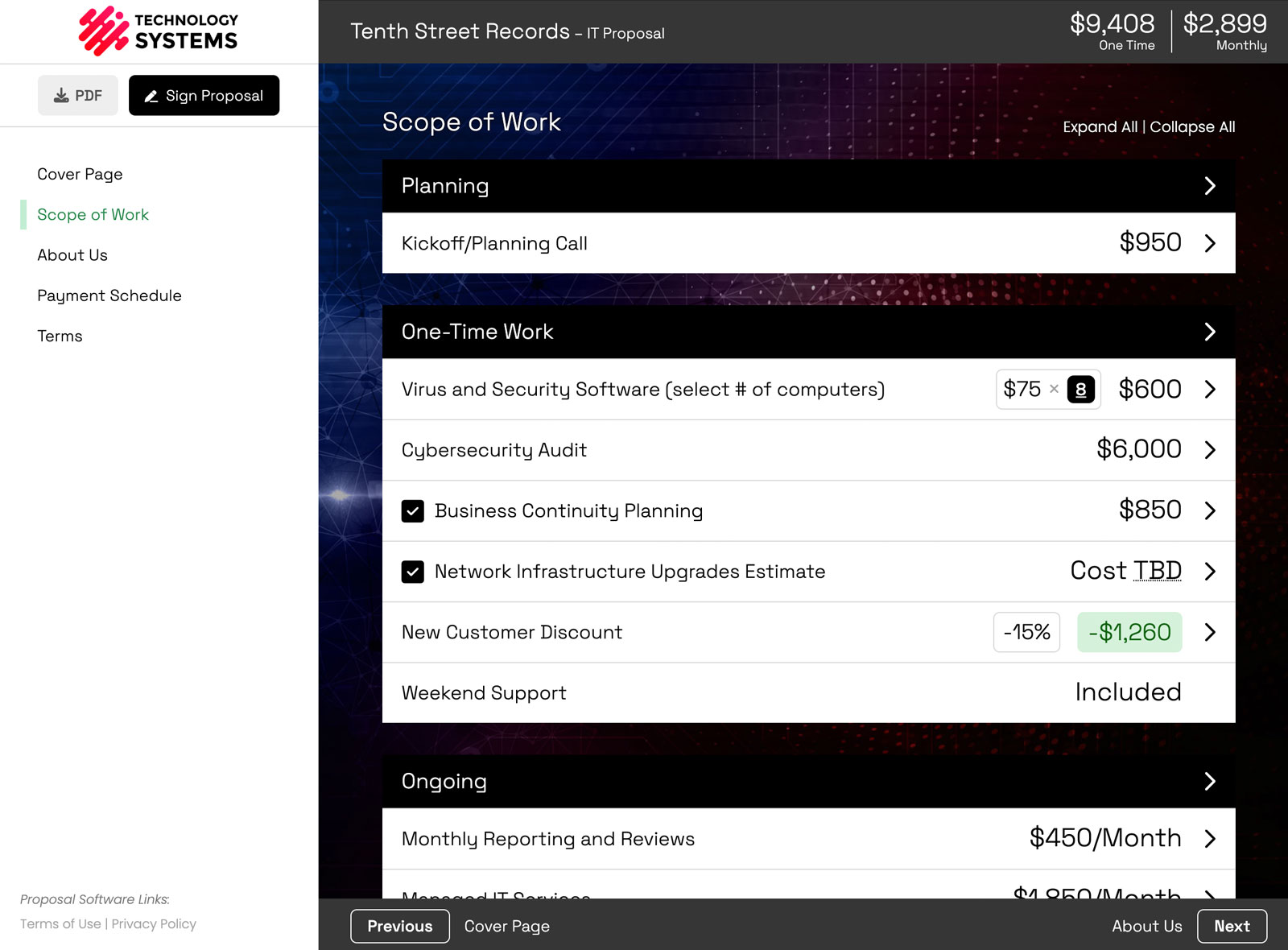
If you’re evaluating proposal software, or already building in Smart Pricing Table, Digit is one more reason the product is built for speed. Faster answers inside the app mean faster proposals out the door. Agencies can see how that fits the full workflow on our proposal software for marketing agencies page, or browse a few sample proposals to see the client experience.
or start a free trial and ask Digit your first question.
Explore more
Connect Claude or ChatGPT
See the AI workflow
Explore the full product
Frequently Asked Questions
What is Digit in Smart Pricing Table?
Digit is Smart Pricing Table’s built-in AI support agent. It lives in the chat widget inside the app and answers questions about screens, settings, and features, so you can get unstuck without waiting on email support.
Is Digit an AI chatbot for proposal software support?
Yes. Digit is an AI support agent that knows how Smart Pricing Table works. You ask questions in plain English, and it walks you through the relevant steps inside the product.
Can Digit replace human support?
No. Digit is there for instant answers, but you can still talk to a human anytime. Click Talk to a Human at the top of the chat window whenever you’d rather work with the Smart Pricing Table team directly.
How do I open Digit?
Sign in to Smart Pricing Table and look for the chat widget in the bottom-right corner. Click it, ask your question, and Digit will respond. You can keep asking follow-ups in the same conversation.
What kinds of questions can Digit answer?
Digit helps with product how-tos like e-signature setup, custom domains, templates, pricing tables, library items, sharing proposals, and other Smart Pricing Table workflows. If something needs a person, you can switch to human support in one click.
You might also like:
👉 How to Build Proposals with AI: Connect Claude or ChatGPT to Smart Pricing Table
👉 Why a Proposal Review Meeting Closes More Deals Than Email